
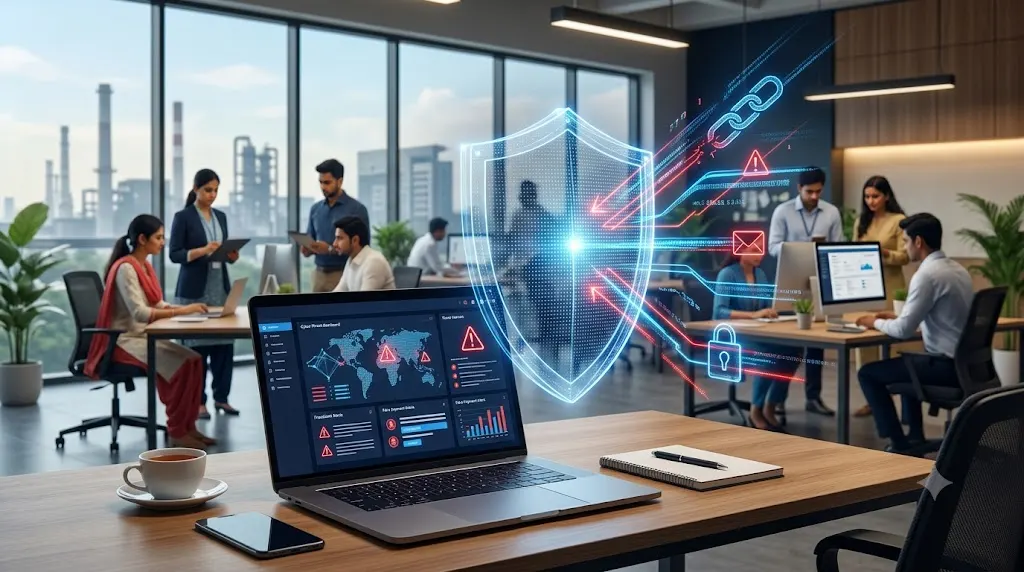
Businesses use email, online payments, and digital tools every day. These tools save time, but they can also expose companies to cyber scams.
A small shop, a growing company in Boisar, or a factory near Tarapur MIDC can all face online fraud. Scammers may pose as suppliers, bank staff, customers, or company managers. Their goal is often to steal money, passwords, or private business data.
The good news is that simple checks can prevent many common scams. Businesses in Palghar and across Maharashtra can reduce risk by training staff, checking payment requests, and securing their accounts.
Palghar Police provides public cyber awareness resources covering financial fraud, job fraud, and safe social media use. These are useful starting points for local businesses.
1. Phishing Emails and Fake Messages
Phishing is a scam where criminals send fake emails or messages to steal information. They may pretend to be a bank, supplier, customer, or trusted service.
A message might say that an account will close unless the user clicks a link. Another may ask an employee to open an invoice or update login details.
The link may lead to a fake website that looks real. If an employee enters a password, the scammer may use it to access company accounts.
How to avoid it:
- Check the sender's full email address, not just the display name.
- Avoid links in unexpected messages.
- Visit the official website by typing its address yourself.
- Never share passwords or one-time passwords (OTPs) through email or chat.
- Report suspicious messages to your IT team.
If a message creates fear or demands urgent action, pause and verify it first.
2. Fake Invoice and Payment Scams
Businesses often pay suppliers, contractors, and service providers. Scammers may take advantage of these regular payments.
For example, a company may receive an email claiming that a supplier has changed its bank account. The email may look genuine and include a real invoice. If the accounts team sends money to the new account without checking, the payment may go to a fraudster.
Some scammers also send fake invoices for goods or services that were never ordered.
How to avoid it:
- Confirm bank account changes through a known phone number.
- Check invoices against purchase orders and delivery records.
- Require approval for large or unusual payments.
- Use a second person to review changes to payment details.
- Keep records of approvals and payment confirmations.
Never trust new payment details based on email alone. Verify them through a separate, trusted channel.
3. KYC and Account-Blocking Scams
Scammers may claim that a bank account, SIM card, or digital wallet will be blocked unless the recipient acts at once.
They may send a link and ask for bank details, passwords, or an OTP. Some may pretend to be bank staff and guide the victim through a fake verification process.
A genuine-looking logo does not prove that a message is real.
How to avoid it:
- Do not click links in unexpected account-warning messages.
- Contact the bank or service provider through its official app or website.
- Never share an OTP, PIN, or password with a caller.
- Do not install an app at the request of an unknown caller.
- Tell employees how to report suspicious account alerts.
If an account warning seems urgent, verify it directly with the service provider.
4. Fake Job Offers and Recruitment Scams
Businesses and job seekers can both face recruitment fraud. Fake recruiters may use a company's name to advertise jobs that do not exist. They may ask applicants to pay registration, training, or interview fees.
Another risk comes from fake job applications sent to a business. A message may contain an unsafe file disguised as a resume or document.
How to avoid it:
- Publish vacancies through verified company channels.
- Tell applicants which email addresses the company uses.
- Do not ask candidates for payment to secure a job.
- Check unexpected attachments before opening them.
- Limit access to recruitment files and applicant data.
Businesses should also verify recruiters before sharing internal information or granting access to company systems.
5. Social Media and Business Account Scams
Scammers may copy a business profile or take control of a real account. They can then contact customers, request payments, or share harmful links.
For example, a fake social media page may offer a discount in a local company's name. Customers may pay the scammer, believing they are dealing with the real business.
A hacked employee account can also be used to send fake payment requests to colleagues.
How to avoid it:
- Use strong, unique passwords for business accounts.
- Turn on multi-factor authentication (MFA), which adds another login check.
- Limit account access to staff who need it.
- Remove access when an employee leaves.
- Check unusual payment requests through another channel.
- Keep recovery email addresses and phone numbers up to date.
Businesses should also monitor their public profiles and report fake accounts to the relevant platform.
6. Fake Customer, Supplier, and CEO Requests
Some scams rely on trust rather than technical tricks. A fraudster may pretend to be the company owner, a senior manager, or a regular supplier.
They may message an employee and ask for an urgent transfer. They might claim the payment is confidential or must be completed before a deadline.
These requests can look convincing, especially when they use familiar names and business details.
How to avoid it:
- Set clear rules for approving payments.
- Confirm unusual requests with the person through a known number.
- Require extra approval for urgent or high-value transfers.
- Never skip checks because a request appears to come from a senior person.
- Train employees to report pressure or secrecy as warning signs.
A clear payment policy helps protect both the company and its staff.
7. Fake Tech Support and Remote Access Scams
A caller may claim that a computer has a virus or that a business account has a security problem. They may ask the employee to install remote access software or share a login code.
Remote access tools can let another person control a computer. If a scammer gains access, they may view private files, steal passwords, or misuse business accounts.
How to avoid it:
- Do not trust unexpected calls about computer problems.
- Contact your approved IT support team directly.
- Never give remote access to an unknown person.
- Restrict software installation rights where practical.
- Keep operating systems, browsers, and security tools updated.
If an unknown person gains access, disconnect the affected device from the network and contact your IT support team.
How Businesses in Palghar Can Build Better Cyber Safety
Avoiding scams takes more than careful employees. Businesses also need clear rules and secure systems.
Companies in Palghar, Boisar, and nearby industrial areas can start with these steps:
- Train employees: Teach staff to spot fake links, payment requests, and suspicious attachments.
- Secure accounts: Use unique passwords, MFA, and limited access rights.
- Protect business data: Back up important files and restrict access to sensitive records.
- Set payment checks: Require independent verification for changes to bank details.
- Update devices: Install software and security updates on time.
- Plan for incidents: Decide whom to contact if an account is hacked or money is lost.
- Review access often: Remove unused accounts and permissions.
Small businesses do not need to change every system at once. Start with email security, payment checks, and account protection. Then review other risks based on the tools and data the business uses.
What to Do If Your Business Faces a Cyber Scam
Act quickly if an employee clicks a suspicious link, shares a password, or sends money to a scammer.
- For financial fraud, call 1930 immediately. Then file a complaint through the official National Cyber Crime Reporting Portal.
- Contact the bank or payment provider using its official contact details. Ask what steps can be taken to secure the account or transaction.
- Change affected passwords from a trusted device and revoke active sessions where possible.
- Preserve emails, messages, phone numbers, transaction IDs, and screenshots as evidence.
- Inform the person responsible for IT security and report the incident to the appropriate authorities.
Do not wait to gather every detail before reporting financial fraud. Quick reporting matters, though recovery of money is not guaranteed.
How Unovative Can Help Businesses Strengthen Digital Systems
Cyber safety depends on people, processes, and technology working together. Businesses should choose solutions that fit their needs and risks.
Unovative is an IT and AI software company based in Palghar, Maharashtra. Its services include digital transformation, enterprise applications, custom-built applications, cloud platforms, and intelligent application operations.
For businesses reviewing their digital systems, technology planning can help identify weak processes, improve access controls, and reduce avoidable risks. Secure application design, careful integration, regular testing, and ongoing maintenance are important parts of that work.
Unovative's role should be discussed in line with the actual project scope. No software can prevent every scam, so staff awareness and clear payment rules remain essential.
Conclusion
Cyber scams can target businesses of every size. Fake invoices, phishing emails, account-blocking alerts, recruitment fraud, and impersonation can all put money and data at risk.
Businesses in Palghar and Boisar can lower that risk by verifying requests, securing accounts, training employees, and acting quickly when something goes wrong. Simple checks often make a real difference.
If your business is reviewing its digital systems, Unovative can help you explore suitable software and technology options. Start by identifying your main risks and planning practical steps to address them.