
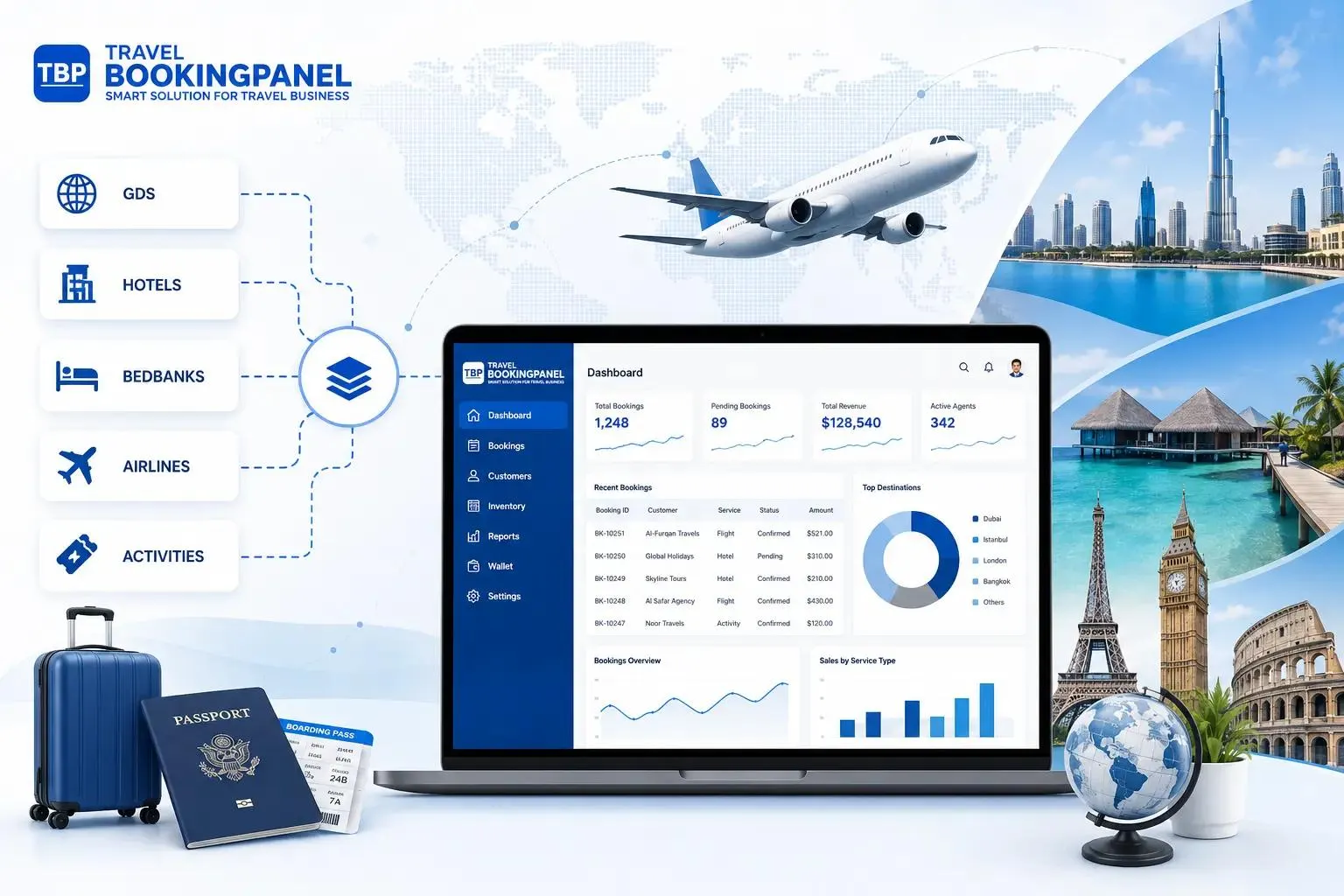
Running a tour business involves much more than booking hotels and arranging transport. Travel companies must manage customer enquiries, tour packages, reservations, suppliers, payments, schedules, and last-minute changes. When these activities depend on spreadsheets, emails, phone calls, and separate applications, daily operations can become difficult to manage.
Custom Travel Management Software can help solve these problems by bringing important business activities into one connected digital system. It allows tour operators and travel agencies to manage their workflows according to their actual business needs.
Instead of switching between multiple tools, teams can access booking information, customer details, supplier updates, and operational records from a central platform.
For growing travel businesses, this approach can improve coordination, reduce repetitive work, and create a smoother experience for both employees and travellers.
Why Tour Operations Need Better Digital Management
Tour operators handle several activities before, during, and after a trip. Each activity requires accurate information and communication between different people.
For example, a travel agency organising a five-day group tour may need to coordinate:
- Customer enquiries and booking requests.
- Hotel reservations and room availability.
- Transport arrangements and vehicle schedules.
- Tour guides and activity bookings.
- Customer payments and invoices.
- Travel itineraries and booking confirmations.
- Changes caused by delays or cancellations.
Managing these activities manually can create problems.
Common Challenges in Traditional Tour Management
1. Scattered Booking Information
Customer details may be stored in spreadsheets, while booking confirmations are kept in email conversations. Employees must search through different sources to find the latest information.
This can lead to duplicate records and missed updates.
2. Manual Communication With Suppliers
Tour operators often work with hotels, transport providers, restaurants, and local activity partners. Confirming availability and sharing changes can require repeated calls and messages.
3. Difficulty Tracking Payments
A business may receive advance payments, partial payments, and final payments at different stages. Tracking these manually makes it harder to understand the financial position of each booking.
4. Time-Consuming Itinerary Preparation
Preparing travel schedules for different customers can involve repeated manual work. Even small changes to hotel bookings or transport arrangements may require several updates.
5. Limited Operational Visibility
When information is spread across different tools, managers may struggle to understand booking status, pending payments, upcoming departures, and supplier confirmations.
These problems do not always come from a lack of employees. Often, the underlying issue is that business processes are not connected.
What Is Custom Travel Management Software?
Custom Travel Management Software is a digital platform designed to manage the specific workflows of a travel agency, tour operator, or travel management company.
Unlike a generic application, custom software is developed around the company's services, operational processes, and business requirements.
For example, one tour operator may specialise in international holiday packages, while another may organise local group tours, corporate travel, or adventure activities.
Their operational needs will differ.
A custom platform can include features such as:
- Customer and enquiry management.
- Tour package creation.
- Booking and reservation tracking.
- Supplier and partner management.
- Itinerary planning.
- Payment and invoice tracking.
- Employee task management.
- Reports and business dashboards.
The objective is to connect these activities so that teams can work with consistent information.
Custom Software vs Generic Travel Management Tools
Generic travel software can provide useful standard features. However, it may not support every business process.
Custom software offers several differences:
Business-Specific Workflows: Generic software generally follows standard processes, while custom software can be designed around the company's existing operations.
Flexible Features: Generic platforms provide predefined features. Custom development allows businesses to select features according to their actual requirements.
Integration Capabilities: Custom solutions can be planned around the integrations a business needs, depending on the availability and technical support of external systems.
Custom Reporting: Instead of relying only on standard reports, businesses can develop dashboards that display their important operational information.
Scalability: Custom platforms can be expanded as business requirements evolve.
User Experience: Custom interfaces can be designed around different employee roles and workflows.
Custom development is not necessary for every travel business. A smaller agency with simple requirements may work well with an existing platform.
However, companies with complex packages, multiple suppliers, special approval processes, or several business locations may benefit from a more tailored solution.
7 Ways Custom Software Can Simplify Tour Operations
The main value of a connected platform is its ability to reduce the gaps between different operational activities.
Here are seven practical ways it can help.
1. Centralise Customer Enquiries and Bookings
Travel enquiries can arrive through websites, phone calls, email, and social media.
When these enquiries are handled separately, employees may find it difficult to track which customers have received a response or confirmed a booking.
A central booking management system can bring these records together.
It can help employees:
- Record customer contact information.
- Track new enquiries.
- Assign enquiries to team members.
- Update booking status.
- Store customer preferences.
- View previous booking details.
For example, when a customer enquires about a family holiday package, the employee can create a record and track the enquiry from its first contact through quotation, confirmation, and payment.
This makes follow-ups easier and reduces the risk of overlooking potential customers.
2. Simplify Tour Package Creation
Tour operators often offer different packages based on destinations, travel dates, group sizes, accommodation, and activities.
Managing these details manually can become difficult when several packages are active.
Custom software can provide a central place to create and manage tour packages.
A package management module may include:
- Destination information.
- Travel duration.
- Day-wise itinerary.
- Accommodation details.
- Transport arrangements.
- Included activities.
- Pricing and additional charges.
- Terms and conditions.
Make Package Updates Easier
Suppose a hotel changes its availability for a particular departure date.
The operations team can update the relevant package or booking record and make the latest information available to authorised employees.
This reduces confusion caused by outdated documents and repeated manual communication.
3. Improve Supplier and Vendor Coordination
Tour operators depend on external partners to deliver a complete travel experience.
These may include hotels, transport companies, restaurants, local guides, and activity providers.
A supplier management module can store important partner information in one place.
It may include:
- Supplier contact details.
- Services offered.
- Contract information.
- Agreed rates.
- Booking confirmations.
- Payment status.
- Service history.
For example, an employee organising a group tour can check the assigned hotel, transport provider, and local guide without searching through several email conversations.
A supplier portal can also be considered when partners need to confirm reservations or update availability directly.
The exact functions should depend on the company's supplier network and working arrangements.
4. Automate Repetitive Administrative Tasks
Many tour operations involve routine activities that employees repeat every day.
These may include sending booking confirmations, preparing invoices, updating customer records, and reminding customers about pending payments.
Travel agency workflow automation can reduce the need to complete these tasks manually.
Possible automation features include:
- Automatic booking confirmation emails.
- Payment reminder notifications.
- Departure reminders.
- Internal task notifications.
- Supplier confirmation alerts.
- Scheduled customer communication.
Use Automation With Human Review
Automation should handle predictable tasks while employees remain responsible for important decisions.
For example, a system can send a reminder when a payment is approaching its due date. However, unusual payment cases should be reviewed by the finance team.
This balance helps businesses save time without losing control over customer communication.
5. Create Better Travel Itineraries
A well-organised itinerary helps travellers understand their trip and helps employees coordinate its delivery.
Creating itineraries manually for every customer can take considerable time, especially when the company manages different destinations and travel durations.
Custom software can provide an itinerary management module.
It can organise:
- Daily travel schedules.
- Hotel check-in and check-out details.
- Transport arrangements.
- Activity timings.
- Meeting points.
- Important travel instructions.
- Emergency contact information.
Employees can prepare an itinerary using existing package information and make changes when required.
A customer-facing portal can also allow travellers to view their trip details through a web or mobile interface.
This reduces repeated requests for basic booking information.
6. Improve Payment and Financial Tracking
Financial coordination is an important part of tour operations.
A single tour may involve customer advances, supplier deposits, balance payments, refunds, and additional expenses.
When these records are maintained separately, tracking the complete financial position becomes difficult.
A custom platform can connect booking records with payment information.
Useful features may include:
- Booking-wise payment history.
- Advance payment records.
- Pending balance tracking.
- Invoice generation.
- Supplier payment records.
- Refund status.
- Revenue reports.
For example, a manager can review which bookings have pending customer payments before approving additional supplier expenses.
Where required, the platform can integrate with suitable payment gateways or accounting applications.
Payment processing, refunds, and financial records should follow the company's applicable security and compliance requirements.
7. Monitor Operations Through Reports and Dashboards
Business owners need clear information to make operational decisions.
However, collecting information from multiple spreadsheets and applications can take time.
A central dashboard can provide a consolidated view of important business activities.
Depending on the company's requirements, it may display:
- Total enquiries received.
- Confirmed and pending bookings.
- Upcoming tour departures.
- Payment collections.
- Outstanding customer balances.
- Supplier confirmation status.
- Package performance.
- Employee task progress.
These reports can help managers identify operational gaps and decide where attention is needed.
For example, if several upcoming tours have pending hotel confirmations, the operations manager can prioritise those bookings.
Important Features to Consider Before Developing Travel Management Software
Not every travel business needs a large software platform from the beginning.
The right solution should address current operational problems while allowing room for future growth.
Consider the following features during the planning stage.
Booking Management
Helps track customer reservations, booking confirmations, travel dates, and booking status.
Customer Relationship Management (CRM)
Helps manage customer enquiries, contact information, preferences, communication history, and customer relationships.
Tour Package Management
Allows employees to create, organise, and update tour packages, including destinations, pricing, accommodation, and activities.
Supplier Management
Helps coordinate external service providers, maintain supplier information, and track booking confirmations.
Itinerary Management
Allows teams to prepare, organise, and update travel schedules for different customers and groups.
Payment Tracking
Helps monitor customer collections, advance payments, outstanding balances, supplier payments, and refunds.
Notifications and Reminders
Supports automatic updates and reminders for booking confirmations, payment deadlines, upcoming departures, and other important activities.
Reporting Dashboard
Provides visibility into bookings, revenue, customer enquiries, supplier confirmations, and operational performance.
Role-Based Access
Allows businesses to control employee permissions according to their responsibilities.
Mobile Accessibility
Enables employees to access important business information through mobile devices while travelling or working outside the office.
Consider API Integrations
Travel companies may already use separate applications for accounting, payment processing, email communication, hotel bookings, or transport services.
Application Programming Interfaces (APIs) allow different software systems to exchange information.
For example, a booking platform could connect with an accounting application so that relevant booking and payment information can be shared.
However, integration depends on the availability, permissions, technical support, and terms of the external service.
Businesses should identify essential integrations before development begins.
Plan for Data Security
Travel platforms may store personal information, contact details, booking records, and payment-related information.
Security should therefore be part of the initial software design.
Important considerations include:
- Role-based access controls.
- Secure authentication.
- Data encryption.
- Regular backups.
- Activity logs.
- Secure API connections.
- Appropriate data retention policies.
Companies should also review applicable privacy and data protection requirements in the markets where they operate.
How AI Can Further Improve Tour Operations
Beyond traditional automation, artificial intelligence can support more advanced travel workflows.
However, AI should solve a clearly defined business problem rather than being added simply because it is a popular technology.
Potential applications include:
AI-Assisted Itinerary Suggestions
AI can help employees prepare initial travel suggestions based on customer preferences, travel duration, and budget.
Customer Enquiry Classification
AI can categorise incoming enquiries by destination, travel date, package type, or urgency.
Document Information Extraction
AI can help extract relevant information from booking documents and supplier confirmations, subject to accuracy checks.
Customer Support Assistance
AI-powered tools can help answer common questions about booking policies, travel schedules, and package information using approved business data.
Operational Insights
AI can help identify patterns in booking history, seasonal demand, and customer enquiries.
For important actions such as confirming reservations, changing prices, or processing refunds, businesses should maintain suitable approval controls.
How to Implement Custom Travel Management Software
Developing software without understanding the actual business workflow can create unnecessary complexity.
A structured approach helps ensure that the final platform solves real operational problems.
Step 1: Understand Existing Workflows
Document how the business currently handles enquiries, bookings, suppliers, payments, and itineraries.
Identify where employees spend the most time and where errors frequently occur.
Step 2: Define the Essential Features
Separate the required features from optional improvements.
For example, a small tour operator may initially need booking management, customer records, package creation, and payment tracking.
Advanced analytics and AI features can be considered later.
Step 3: Plan the User Experience
Different employees require different information.
A sales employee may need enquiry and customer records, while an operations manager may need supplier confirmations and departure schedules.
Design the system around these user roles.
Step 4: Develop and Test the Platform
Build the software in manageable stages.
Test important workflows such as:
- Creating a new booking.
- Updating a travel package.
- Recording customer payments.
- Confirming supplier services.
- Modifying an itinerary.
- Generating operational reports.
Testing should cover normal situations, unusual cases, and access permissions.
Step 5: Train Employees and Improve the System
A software platform only creates value when employees can use it effectively.
Provide suitable training and collect feedback from the teams using the system.
Review performance and improve workflows as business requirements change.
How Unovative Can Help
Travel companies need software that reflects how their operations actually work.
Unovative is an IT and AI software company based in Palghar, Maharashtra, with an additional presence in Ho Chi Minh City, Vietnam. It works on custom software, intelligent applications, business automation, and digital product development.
Through its Enterprise Application Services, Unovative can help businesses explore connected digital platforms designed around their operational requirements.
For a travel agency or tour operator, a potential software project could include:
- A central booking and customer management platform.
- Custom tour package and itinerary management.
- Supplier coordination workflows.
- Payment tracking and reporting.
- Business process automation.
- Web and mobile application development.
- Integration with existing business systems.
The development process should begin with understanding the company's current workflows, challenges, users, and business goals.
This is particularly useful for growing businesses in Palghar and surrounding regions that want to move beyond disconnected spreadsheets and manual processes.
Whether a business needs a new digital platform or wants to modernise an existing application, the right technology approach should focus on practical improvements and long-term flexibility.
You can explore Unovative's digital transformation services or contact the Unovative team to discuss your software requirements.
Conclusion
Managing a tour business involves several connected activities, from customer enquiries and package creation to supplier coordination, payments, and travel schedules.
When these processes depend on disconnected tools, employees spend more time managing information and less time improving the customer experience.
Custom Travel Management Software brings these activities into a connected platform. It can simplify booking management, reduce repetitive tasks, improve supplier coordination, and give managers better visibility into daily operations.
The best solution is not necessarily the one with the most features. It is the one that solves the business's actual problems, supports its employees, and can adapt as the company grows.
For tour operators planning their next stage of digital growth, investing in the right software can be an important step towards more organised and efficient operations.